
Welcome Bonus
Get 100% Up to AU$750 Plus 200 Free Spins on First Deposit
Crypto and e-wallets fastest after approval
AU$750 + 200 Free Spins
Up to AU$8,120 daily
3000+ titles available













Neon54 Login – Secure Sign In
The Neon54 registration process takes just two minutes. Australian players use the secure portal for login. Quick account verification unlocks full real money play. A generous welcome bonus awaits every new user. Help is available for forgotten credentials or errors. Visit the Neon54 platform for safe online gaming.
How to Register at Neon54 in Australia
Creating an account at this online casino takes around 2 to 3 minutes. The process is straightforward and works on both desktop and mobile browsers. Follow the steps below to get started.
- Open the Neon54 website using a browser on a computer or smartphone.
- Click the registration button located in the top-right corner of the homepage.
- Choose a registration method - email or mobile number.
- Enter the required details: email address, username, password, phone number, country, and preferred currency. Select Australia and AUD for local transactions.
- Review the terms and conditions, then confirm the submission.
- Check the inbox for a confirmation email. Click the verification link to activate the account.
- Alternatively, use Google or Telegram for faster social login if preferred.
- Once verified, log in and access the full lobby, including games at Neon54, promotions, and the cashier.
Players must be 18 years or older to register. Residents of the Netherlands, United States, United Kingdom, and France are restricted from signing up. Phone verification is not mandatory, but email confirmation is required before the account becomes fully active.
After completing registration, new members can claim the welcome bonus by making a qualifying deposit of at least AU$30. A first deposit of AU$15 unlocks one Bonus Crab pick. All bonus activation happens through the My Bonuses section in the account dashboard.
Mobile Account Sign Up and Login
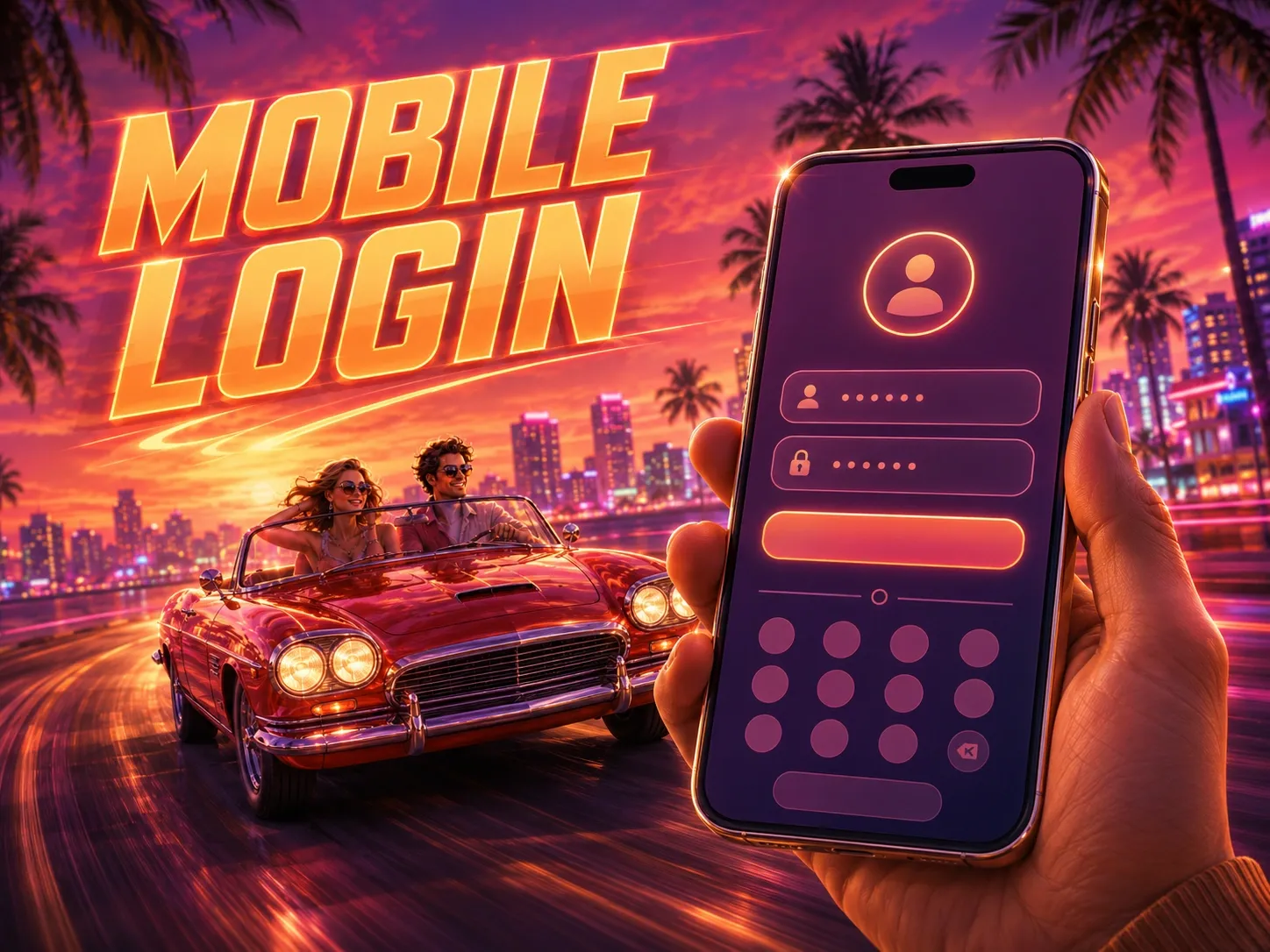
Players in Australia can easily create an account or log in on the go at Neon54. The platform is fully optimised for mobile browsers on both Android and iOS devices, so there’s no need to download an app. The registration process is quick and simple directly from a phone or tablet, providing instant access to a touch-optimised lobby for both casino games and sportsbook features.
Account Verification
Neon54 runs a mandatory Know Your Customer programme for all members. The checks safeguard players’ funds, support responsible gambling, and keep the operation compliant with the Curacao eGaming licence and Australian anti-money-laundering rules.
Account holders are most often asked to verify identity before the first withdrawal above AU$50, when cumulative deposits spike, or if automated monitoring flags irregular logins. Verification can also be triggered during bonus abuse reviews or random compliance audits.
Typical documents requested are:
- Photo of an Australian passport or driver licence (front and back)
- Recent utility bill or bank statement showing the residential address (not older than six months)
- Screenshot or PDF statement from the chosen payment method
- Selfie holding the ID next to the face if extra authenticity is needed
Uploaded files go through encrypted channels inside the profile section. Standard review time is up to 24 hours, though incomplete or low-resolution images can extend the window to roughly 72 hours.
The most common reasons for delays include expired documents, mismatched addresses, cropped images, and discrepancies between declared and document names. Re-submitting clear scans taken in good light usually resolves the issue quickly.
Once approved, withdrawal requests move to financial processing without extra identity steps, and password resets or device changes no longer trigger additional KYC prompts unless further risk checks arise.
How to Login to Neon54 from Desktop
Accessing the Neon54 casino platform from a desktop computer follows a straightforward process. The casino supports standard browser-based login through email or username credentials, with optional security features for account protection.
Step-by-Step Desktop Login Process
- Open a modern web browser like Chrome, Firefox, Safari or Edge on the computer
- Navigate to the Neon54 Australia homepage through the official casino link
- Locate the Login or Sign In button in the top navigation area
- Enter the registered email address or username in the first field
- Type the account password in the second field
- Complete two-factor authentication if enabled on the account
- Click the Login button to access the player dashboard
The platform remembers login preferences through session management features. Players can select “Stay logged in” for trusted devices, though automatic session timeout occurs after periods of inactivity for security purposes. The login page also provides quick access to password recovery options if needed.
Desktop users benefit from full-screen casino access with complete navigation to all game categories, promotions, banking sections and account management tools. The login process typically takes under 30 seconds once credentials are entered correctly.
How to Log In on Mobile
Accessing the Neon54 account from a smartphone or tablet works through the mobile browser. No app download is required. The login process is streamlined for touch screens and works on both Android and iOS devices.
- Open Chrome, Safari, or another mobile browser.
- Navigate to the Neon54 website.
- Tap the login button located in the top corner of the screen.
- Enter the registered email address or username.
- Type the account password.
- Tap the sign-in button to access the dashboard.
The mobile site loads in portrait mode by default. Players in Sydney, Melbourne, Brisbane, or Perth can expect fast page response times on 4G and 5G connections. Session options like staying logged in are available, though public device users should avoid saving credentials.
For those who prefer managing games and bets on the go, the Neon54 mobile app page covers additional mobile access options. Touch-optimised navigation makes switching between the casino lobby and sportsbook straightforward. AUD deposits and withdrawals function identically to the desktop version. Two-factor authentication adds another layer of protection for mobile sessions when enabled in account settings.
Password Reset and Account Recovery
Misplaced credentials are easily fixed thanks to Neon54’s five-step reset flow.
- Click Forgot password on the sign-in form.
- Submit the registered email or chosen username.
- Open the automated message and follow the secure link within 60 minutes.
- Enter a fresh phrase that meets the 8-character, uppercase, number, and symbol standard.
- Return to the login screen and access the dashboard; a one-time confirmation may appear when the system detects a new device.
Additional notes:
- Three consecutive failed entries will trigger a short safety lock; wait two minutes before the next attempt.
- Login alerts and session monitoring can prompt an extra code to maintain protection.
- Phone SMS codes are not currently part of the reset routine.
Welcome Bonuses and Registration Rewards at Neon54
Neon54 treats new Australian players to a substantial casino welcome package worth 100% up to AU$750 plus 200 Free Spins after completing the sign-up process. The main deposit match activates through My Bonuses following a qualifying AU$30 first deposit. Players making an initial AU$15 deposit receive 1 Bonus Crab pick instead. The Free Spins release in daily batches of 20 over 10 consecutive days.
Registration unlocks additional promotional opportunities beyond the welcome offer. The sportsbook provides a separate 100% match up to AU$150 for betting enthusiasts. Weekly reload promotions include 50 Free Spins from Monday through Thursday and weekend packages offering 50% up to AU$1,050 plus 50 Free Spins. VIP members access daily cashback rates ranging from 3% to 15% based on tier level.
| Bonus Type | Deposit Required | Maximum Value | Wagering Terms |
|---|---|---|---|
| Casino Welcome | AU$30 | AU$750 + 200 FS | Deposit + bonus x35; FS winnings x40 |
| Sports Welcome | AU$30 | AU$150 | Deposit + bonus x6 |
| Weekly Reload | AU$30 | 50 Free Spins | Winnings x40 |
| Weekend Package | AU$75 | AU$1,050 + 50 FS | Deposit + bonus x35; FS x40 |
| VIP Cashback | Varies | AU$600 daily | x1 turnover |
Claiming Process After Account Creation
- Navigate to Promotions or My Bonuses section;
- Select desired offer and opt in where required;
- Complete qualifying deposit within specified limits;
- Activate bonus through My Bonuses dashboard;
- Track wagering progress and expiry dates.
Key Terms for New Player Offers
- Maximum bet during active bonus: AU$150;
- Validity period: 10 days for casino offers;
- Skrill and Neteller deposits excluded;
- Neon54 bonuses require completion before withdrawal;
- Free Spins apply to selected slot titles.
Common Registration and Login Issues
Encountering an issue while trying to register or log in can be frustrating. Below is a guide to common problems, their likely causes, and how to resolve them quickly.
| Issue | Likely Cause | Fix |
|---|---|---|
| Invalid Credentials | A typo in the email, username, or password is the most common reason. | Double-check the spelling and case sensitivity of login details. Use the ‘Forgot Password’ link if the password is uncertain. |
| Account Locked | Too many incorrect login attempts trigger a temporary security lock. | Wait for the temporary lock period to end. Alternatively, contact customer support to request an account unlock. |
| Password Reset Not Working | The reset email may have been filtered into a spam or promotions folder, or the link has expired. | Check all email folders, including junk and spam. If the link has expired, initiate the password reset process again. |
| Confirmation Email Missing | The verification email might be delayed or automatically sorted into a different folder by the email provider. | Please wait a few minutes and check the spam, junk, or promotions tabs. If it still hasn’t arrived, use the option to resend the confirmation email. |
| Verification Pending | Account access might be limited because KYC (Know Your Customer) document verification is still in progress. | Allow up to 24 hours for the verification team to process the documents. Contact support if there is an unusual delay. |
| Session Expired | For security reasons, the system automatically logs out an account after a period of inactivity. | This is a standard security feature. Simply enter the login credentials again to start a new session. |
| Account Already Exists | An attempt to register was made with an email address already on file. | Instead of creating a new account, use the existing credentials to log in. If the password is forgotten, use the recovery process. |
24/7 live chat via the site widget in the bottom-right corner. Response time is usually 1–2 minutes. Get help with login errors, password resets, bonus activation, and verification status.
Contact support@neon54.com for account recovery, KYC document queries, and payment issues. Replies typically arrive within 45 minutes to 24 hours in English.
FAQ
How long does it take to register at Neon54?
The sign-up process usually takes about 2 to 3 minutes. Players need to fill in basic fields such as email, username, password, phone number, country, and preferred currency. There is also the option to register via Google or Telegram for a faster start.
Can I create a Neon54 account from a mobile device?
Yes, mobile registration is fully supported through the browser on both Android and iOS devices. No app download is required. The mobile site is touch-optimised with portrait mode support, so the entire sign-up and login process works smoothly on phones and tablets.
What do I need to log in to my Neon54 account?
Logging in requires either an email address or username paired with a password. Two-factor authentication is available for added security. If a session expires or the browser is closed, simply re-enter the credentials on the login page.
What should I do if I forget my password?
A password recovery link can be sent to the registered email address using the forgot password option on the login page. Follow the link and set a new password that meets the requirements - at least 8 characters with an uppercase letter, a number, and a special character. If the account becomes temporarily locked after several failed attempts, contact support for assistance.
Is KYC verification required before making a withdrawal?
Yes, Neon54 requires identity verification before processing payouts. Accepted documents typically include a passport or driver licence, a utility bill or bank statement for address proof, and evidence of the payment method used. The review usually takes up to 24 hours, though delays can occur if documents are unclear, expired, or do not match the account details.
What is the minimum deposit to activate the welcome bonus?
The main casino welcome offer - 100% up to AU$750 plus 200 Free Spins - requires a minimum deposit of AU$30. Depositing AU$15 grants 1 Bonus Crab pick instead. Skrill and Neteller deposits are excluded from qualifying for the welcome promotion.
How can I get help with login or registration issues?
Neon54 offers 24/7 live chat, accessible via the support widget in the bottom-right corner of the site. Email support is also available at support@neon54.com, with typical response times ranging from 45 minutes to 24 hours. Both channels can assist with account access problems, password resets, and verification queries.